
Network remediation that actually closes the loop
Find the issue, fix it with a controlled remediation workflow, and verify the result automatically.
Automate OS upgrades, VLAN changes, port updates, password rotation, service provisioning, and compliance fixes across 180+ vendors.
What is network remediation?
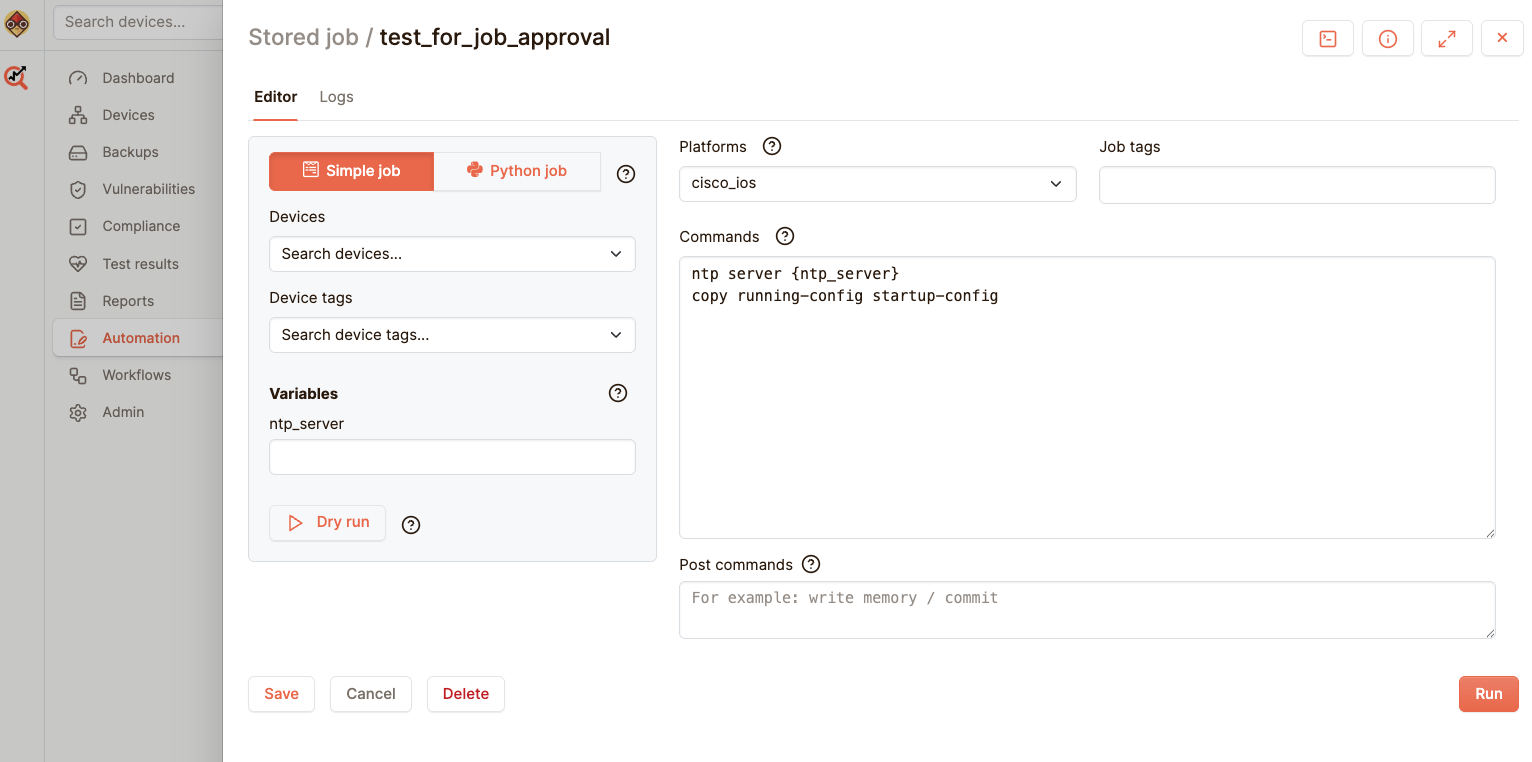
Network remediation is the process of detecting, fixing, validating, and continuously correcting network misconfigurations, compliance failures, drift, and operational issues across network devices.
Netpicker combines detection, remediation workflows, approvals, backups, diffs, and automatic re-testing into closed-loop remediation engineers can actually trust.
Closing the loop on network issues
Every scan finds something: a failed compliance rule, an exposed CVE, a wrong VLAN, a stale OS version, a missing NTP server.
The real work starts after detection. Someone has to decide what to change, run it safely, document it, and prove the issue is gone.
Find. Fix. Verify
Closed-loop network remediation means every fix is tied back to the test or event that found the issue.
Detect
Compliance test fails, CVE scan finds exposure, backup detects drift, or a change request arrives.
Approve
Review device scope, dry run output, risk, and batch plan before execution.
Execute
Run the remediation job across devices with pre-backup, post-backup, and diff.
Verify
Re-run the original test automatically and confirm the network is correct again.
What you can automate
Use remediation for repeatable network operations: changes that need control, proof, and verification.
OS upgrades
Find devices below the approved version, stage firmware, upgrade, reboot, and re-test.
Security remediation
Disable FTP or Telnet, fix weak SSH/TLS settings, close CVE exposure, and prove the fix.
VLAN deployment
Create VLANs, update trunk ports, assign access ports, and validate consistency across sites.
Port changes
Shutdown unused interfaces, update descriptions, apply QoS, or align ports with NetBox data.
Password rotation
Rotate device credentials, update vaults, and validate that non-compliant credentials are gone.
ZTP and provisioning
Apply golden configs, onboard new devices, update sources of truth, and confirm compliance before go-live.
Workflows, scripting, batches, and integrations
Netpicker enables automated workflows, scripting, and external integrations without forcing every engineer to become a developer.
Automated workflows
Schedule and orchestrate multi-step network tasks, including sequential or parallel jobs across devices.
Python engine
Use Python for complex device queries, configuration tasks, API calls, and advanced logic.
External systems
Integrate with NetBox, Nautobot, Infoblox, ServiceNow, Remedy, CI/CD, monitoring, and ticketing systems.
trigger: compliance_test_failed
devices: affected_devices
pre_backup: true
approval: required
dry_run: enabled
actions:
- update_ntp_servers
- post_backup
- generate_diff
- rerun_compliance_test
With or without code
Use Python for full control, or use the UI to build tests without writing code.
Python
Use Python for full flexibility
Write tests using pytest to validate configurations, command output, and network data.
Use existing libraries for compliance, CVEs, and design validation or create your own logic.
No code
Or build tests without code
Use the UI to define checks based on command output or data.
No Python required, just define what should match and what should fail.
Type
Command
show arp
Must include the text:
Regular expression?
192.168.60.32
Command output
show arp: Protocol Address Age (min) Hardware Addr Type Interface Internet 192.168.60.2 97 000c.292e.36b6 ARPA Ethernet0/3 Internet 192.168.60.32 214 000c.2987.5096 ARPA Ethernet0/3 Internet 192.168.60.101 196 5000.0001.0000 ARPA Ethernet0/3
Safe automation needs guardrails
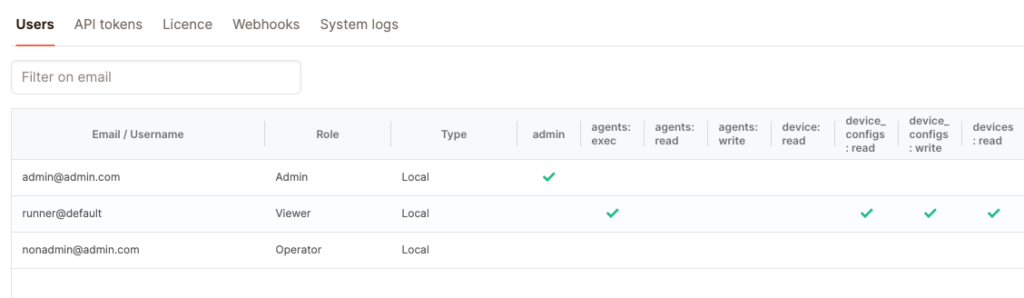
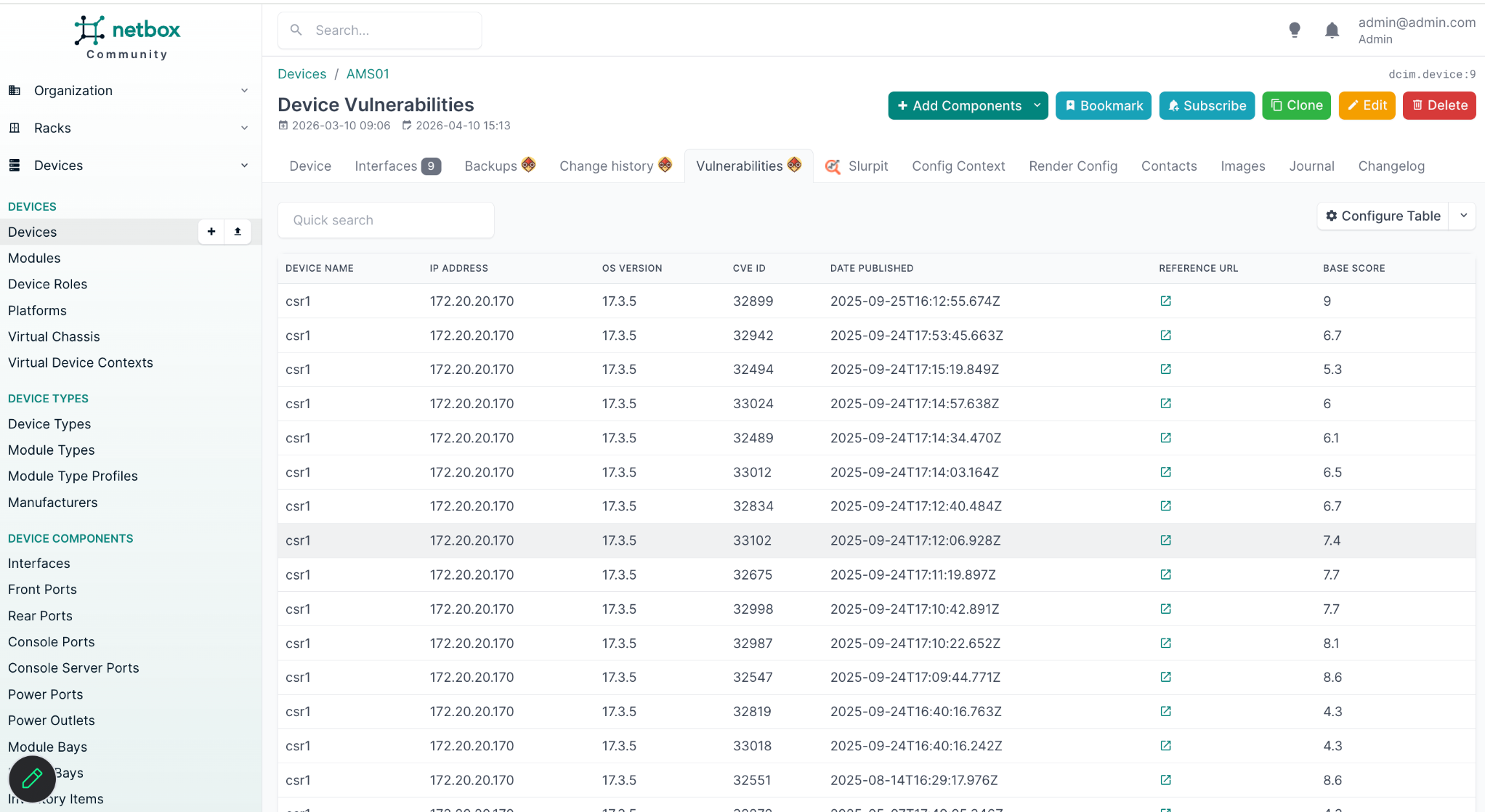
Netpicker supports role-based access, approval workflows, dry runs, staged rollouts, batch execution, pre/post backups, diffs, and automatic halt conditions.
Triggers and actions for real network operations
Connect events from your network and tools to controlled remediation jobs.
Triggers
- Compliance test fails
- CVE scan finds exposure
- Config backup detects drift
- Syslog event received
- Webhook from ServiceNow, Jira, or PagerDuty
- Schedule or manual trigger
Actions
- Run remediation job
- Create or update a ticket
- Send Slack, Teams, email, or webhook notification
- Call an external API
- Update NetBox, Nautobot, or Infrahub
- Re-run compliance test
Automation without platform lock-in
Use Netpicker alongside your existing tooling instead of replacing everything.
Integrate with NetBox, Nautobot, Infrahub, Infoblox, ServiceNow, Git, CI/CD pipelines, monitoring systems, and existing automation scripts. Use Python where needed, UI workflows where possible.
Every fix leaves an audit trail
No tribal knowledge. No guessing who changed what. Every remediation job is recorded.
| Recorded automatically | Why it matters |
|---|---|
| Who approved and triggered the job | Clear ownership and 4-eyes approval history. |
| Which devices were targeted | Exact scope for every batch or rollout stage. |
| What commands or API calls ran | No hidden changes or undocumented scripts. |
| Pre/post backup and diff | See exactly what changed, before and after. |
| Test result before and after | Proof that the remediation actually worked. |
Real remediation results from real networks
A multi-day manual rollout can become a repeatable provisioning workflow.
Legacy automation scripts can be converted into modern reviewed workflows.
New device deployments can be checked against golden config before go-live.
Network remediation FAQ
What is network remediation?
Network automation uses workflows, scripting, orchestration, and integrations to automate network operations, remediation, provisioning, upgrades, and validation tasks across devices.
What is closed-loop network remediation?
Closed-loop network automation detects an issue, triggers a remediation workflow, applies the change safely, and re-runs the original test to verify the issue is fixed.
How do you automate OS upgrades on network devices?
Netpicker can detect devices below the approved OS version, trigger an upgrade workflow, back up configs before and after, generate diffs, and re-run validation checks after the upgrade.
How do you automate VLAN deployment?
Define the expected VLAN configuration, identify non-compliant devices, run a remediation job to create or assign the VLAN, and re-run validation to confirm every device is correct.
Does network remediation require Python expertise?
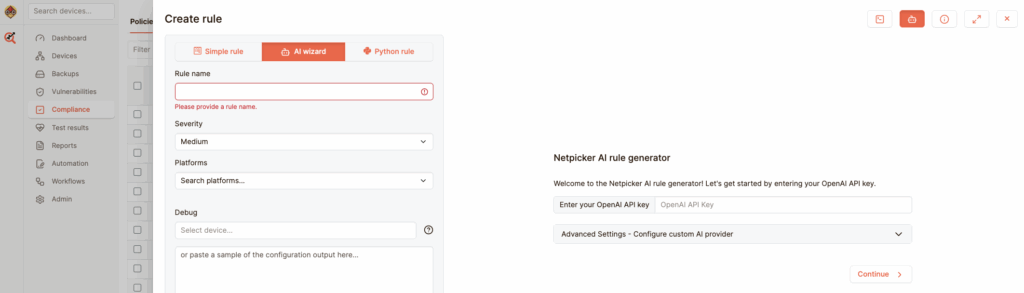
No. Simple jobs can be built in the UI. Python is available for complex logic, and AI can help generate remediation jobs from plain English descriptions.
How do you verify a remediation was successful?
Netpicker re-runs the same compliance or validation test that detected the issue. If the test passes, the remediation is confirmed. If it fails, the device is flagged for review.
Stop fixing the same issues manually
Use remediation workflows to fix issues once, verify the result, and keep the rule running.
Test. Validate. Fix.
Everything you need to build a reliable, secure and compliant network.
Config Backup
Automated backups and version control for all devices.
Network Testing
Test configurations, policies and network behavior.
Compliance Automation
Continuously validate against standards and policies.
Security Automation
Find exposure, CVEs and misconfigurations before attackers do.
Network Remediation
Automate fixes with guardrails and verification.
AI Network Automation
AI-assisted workflows for faster analysis and actions.